The Future of HMI: Touch, Voice, and AR in Factory Control
Factory control is moving beyond static screens. This guide outlines six practical shifts in human machine interface design, including touch, voice, and AR, and explains how engineers should plan for these changes in future automation systems.
- The human machine interface is shifting from a passive monitoring tool to an active interaction point that demands faster data presentation.
- Touch, voice, and AR are not replacing standard controls but are filling gaps in specific operator workflows.
- Buyers should prioritize open protocols, modular hardware, and operator feedback loops when specifying new HMI systems.
- Security and usability must be designed in early, as retrofitting these features into legacy SCADA environments is difficult.
- The best future HMI designs will reduce cognitive load by filtering noise and highlighting actionable alerts.
Factory control rooms are changing. The human machine interface is no longer just a set of static screens showing process data. Operators now expect faster interaction, clearer context, and ways to handle complex tasks without switching between multiple terminals. This shift is driven by a mix of better hardware, lower latency, and a growing need to keep experienced operators productive without overloading them with information.
Engineers and buyers need to understand which trends are practical and which are still experimental. The goal is not to chase technology for its own sake. It is to build interfaces that reduce mistakes, speed up response times, and make the plant easier to operate. The following shifts are shaping how industrial displays and control systems will be designed in the next few years.
Why the Human Machine Interface Is Becoming More Interactive
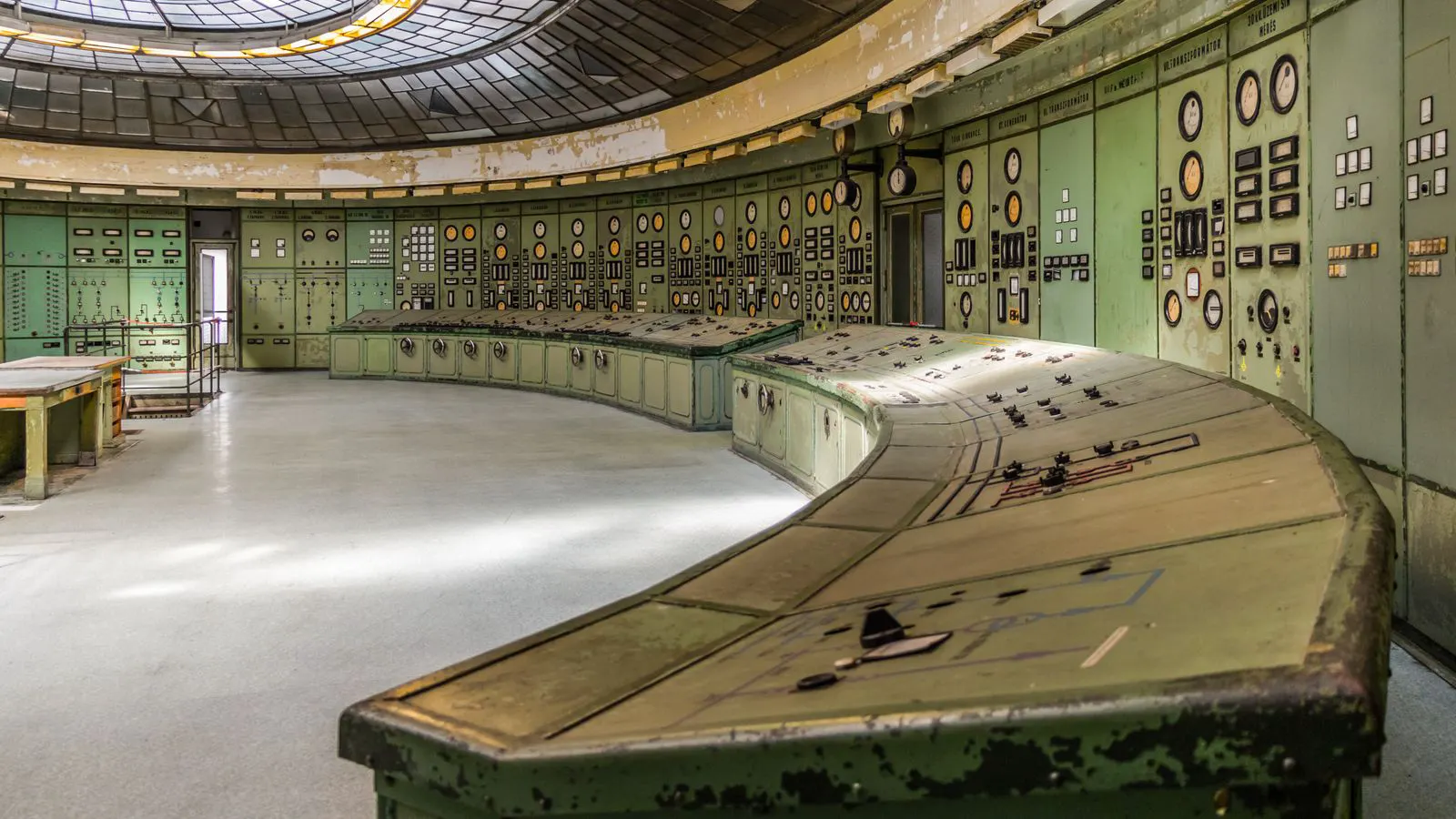
The traditional HMI screen was built for status. It showed a plant was running, or it was not. It displayed pressure, temperature, and flow values. Operators scanned these screens to confirm normal operation. Today, that model is not enough. Plants are more complex, with more variables and tighter control loops.
Modern operators need to interact with data, not just view it. They need to adjust setpoints, run diagnostics, and trigger actions quickly. Touch interfaces allow for direct manipulation of process flows. Instead of clicking through menus to find a valve status, an operator can drag a process line to see its details. This reduces the number of steps between seeing a problem and acting on it.
This shift changes the design requirement. Engineers must plan for interaction from the start. A screen that looks good but takes three clicks to change a value is a poor user experience. The human machine interface must support the actual tasks operators perform, not just display the data they are supposed to watch.
Touch: The Standard, Not the Novelty
Touch screens are now common in industrial environments. They are no longer a premium feature. The real shift is in how touch is used. Early industrial displays focused on basic tap navigation. Today, multi-touch gestures are being tested in specific areas.
This is most useful in process visualization. An operator can pinch to zoom into a complex P&ID, or swipe to compare two time periods of historical data. It is not about replacing buttons. It is about adding speed to the workflows that are already repetitive.
Buyers should ask vendors how touch is implemented. Capacitive screens are standard for general use, but industrial environments often require specialized coatings. Oil, dust, and water can interfere with touch sensing. A screen that works well in a clean office will fail on a factory floor. The industrial display hardware must be rated for the specific environment, and the software must support the gestures that are actually useful for the task.
Voice: A Hands-Free Layer for Specific Tasks
Voice interaction is often overhyped in factory settings. It is not a replacement for touch or buttons. The main plant noise, the sound of machinery, and the presence of hearing protection make voice commands unreliable for critical operations.
However, voice is finding a place in specific niches. It works well for hands-free tasks where the operator has tools or materials in their hands. For example, an engineer walking a line with a tablet can use voice to log observations or acknowledge alarms without stopping to type.
The key is integration. Voice commands should feed into the existing HMI logic. They should not be a separate, disconnected system. If a voice command does not map clearly to a system action, it creates confusion. The best voice implementations in factory automation are narrow. They handle a small set of high-frequency tasks, like starting a shift log or acknowledging a specific alarm type, rather than trying to run the whole plant.
Augmented Reality: Seeing Context, Not Just Data
Augmented reality is moving from a concept to a tool for specific maintenance and training tasks. The idea is to overlay digital information on the physical plant. An operator wearing AR glasses can see a live process value on a valve, or see a schematic overlay that shows the flow path through a complex pipe run.
This is useful when the physical environment is hard to read. Pipe labels can fade. Control cabinets can be crowded. AR can provide a clean, digital layer of information that is always up to date. It reduces the need to remember where things are or how they connect.
For buyers, the main question is about connectivity. AR devices need a stable, low-latency network to receive process data. They also need to integrate with the existing SCADA or DCS systems. If the AR display shows a value that is two seconds old, it is worse than no value at all. The infrastructure must support real-time data delivery to the headset.
The Role of the Industrial Display in a Mixed Reality Setup
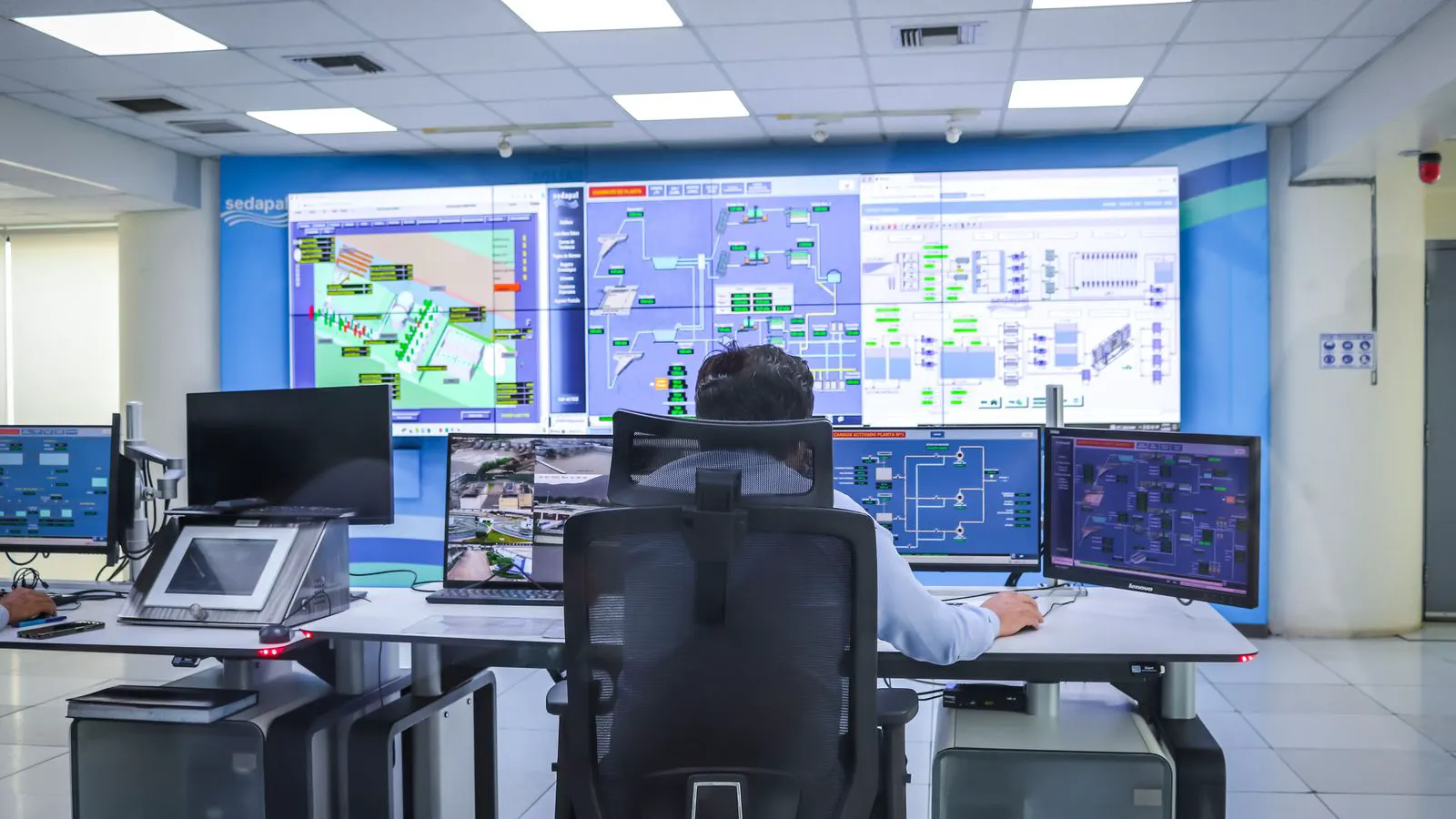
As HMI design evolves, the industrial display is no longer the only point of interaction. It becomes part of a larger system. The main wall-mounted screens will still handle high-level monitoring. But the operator’s personal device, whether a tablet, a rugged laptop, or AR glasses, will handle task-specific interaction.
This creates a challenge for system architecture. The data must be consistent across all devices. If an operator sees a pressure spike on the wall screen but the tablet shows a normal value, trust in the system breaks. The backend must ensure that all client devices are pulling from the same real-time data source.
It also changes the security model. More devices on the network means more entry points. The industrial display is no longer just a local terminal. It is a node in a distributed system. Buyers must ensure that the HMI software can manage authentication, data encryption, and access controls for all these different types of devices.
Five Shifts Buyers Should Plan For
The following shifts are practical and should be part of your planning process. They are not just trends. They are changes in how the human machine interface will be built and used.
- From Static to Dynamic: Interfaces will move away from fixed layouts. They will adapt based on the operator’s role and the current plant state. A maintenance engineer sees different screens than a line supervisor.
- From Single Device to Multi-Device: The HMI will span multiple screens and devices. The design must ensure consistency and smooth handoff of context between them.
- From Data Display to Data Context: The interface will not just show numbers. It will explain what the numbers mean. It will highlight anomalies and suggest possible causes based on historical patterns.
- From Closed System to Open Integration: HMI software will need to integrate more easily with other systems, including AR platforms, voice assistants, and maintenance databases. Open protocols are the key to this.
- From Afterthought to Core Design: Usability and interaction models are becoming core engineering requirements, not just UX add-ons at the end of the project. They must be defined in the specification phase.
How to Prepare Your Next HMI Project
Preparing for these shifts does not mean you need to buy the newest technology. It means you need to design with flexibility.
Define the Operator Tasks First. Before choosing a display or software, map out what the operator actually does. Where do they lose time? Where do they make mistakes? The HMI should solve these specific problems. If the main issue is slow alarm acknowledgement, a better alert system is more valuable than a fancy AR headset.
Prioritize Modularity. Choose an HMI platform that allows you to add features later. If you start with a standard touch screen, you should be able to add voice or AR capabilities without replacing the entire system. This requires open APIs and a software architecture that supports plug-in modules.
Test in the Field. Do not design the HMI only in a lab. Take the prototype to the plant floor. Have operators use it for a shift. Watch where they struggle. The real environment will reveal issues that a simulation cannot.
Plan for Training. New interaction models require new skills. An operator used to buttons will need time to learn gestures or voice commands. Budget for training and change management. The best HMI will fail if the people who use it are not comfortable with it.
Choosing the Right Path for Your Facility
Not every factory needs every new technology. A small plant with a simple process might not benefit from AR. A large, complex site with many maintenance tasks might find AR and voice very useful for specific roles.
The decision should be driven by the problem you are trying to solve. If the goal is to reduce operator fatigue, better alert filtering and a clearer touch interface might be enough. If the goal is to speed up maintenance, AR and better data context are more relevant.
The future of the human machine interface is about making the plant easier to understand and operate. It is not about technology for its own sake. It is about giving operators the right information, at the right time, in the right format. That is the standard every buyer should hold their HMI project to.
Comparison of Interaction Methods
| Interaction Method | Best For | Main Limitation | Typical Use Case |
|---|---|---|---|
| Touch Screen | General monitoring and setpoint changes | Requires clean hands; limited by screen size | Daily line control and alarm management |
| Voice | Hands-free logging and simple commands | Noise interference; limited command set | Shift logging and equipment checklists |
| Augmented Reality | Maintenance and complex diagnostics | High hardware cost; network dependency | Valve identification and schematic overlay |
| Traditional Buttons | Critical safety actions | Slow to update; limited flexibility | Emergency stops and safety interlocks |
The table shows that each method has a clear place. The future HMI will likely combine them. You will still have physical buttons for safety. You will have touch screens for daily operation. You will have voice and AR for specific, high-value tasks. The key is to design the system so these methods work together without creating confusion.
Frequently asked questions
Is voice control safe for critical factory operations?
Voice control is generally not recommended for critical safety actions due to background noise and potential for misinterpretation. It is best suited for non-critical tasks like logging or acknowledging alarms.
Do I need to replace my entire SCADA system to add AR support?
Not necessarily. Many modern SCADA and HMI platforms support open APIs that allow third-party AR applications to connect and display process data on a headset.
What is the main benefit of using touch on an industrial display?
The main benefit is reduced interaction time. Touch allows operators to manipulate process visuals and adjust setpoints faster than using traditional menu navigation.
How can I know if my plant is ready for future HMI trends?
Assess your network infrastructure and operator workflows. You need a stable data feed for real-time displays and you need to understand which tasks are currently causing delays or errors.
Will AR replace the standard HMI screen?
No. AR is a supplement to the standard HMI, not a replacement. The wall-mounted screens will continue to serve as the central monitoring point for the plant. AR is used for specific, contextual tasks.