What Is Factory Monitoring and How SCADA Supports It
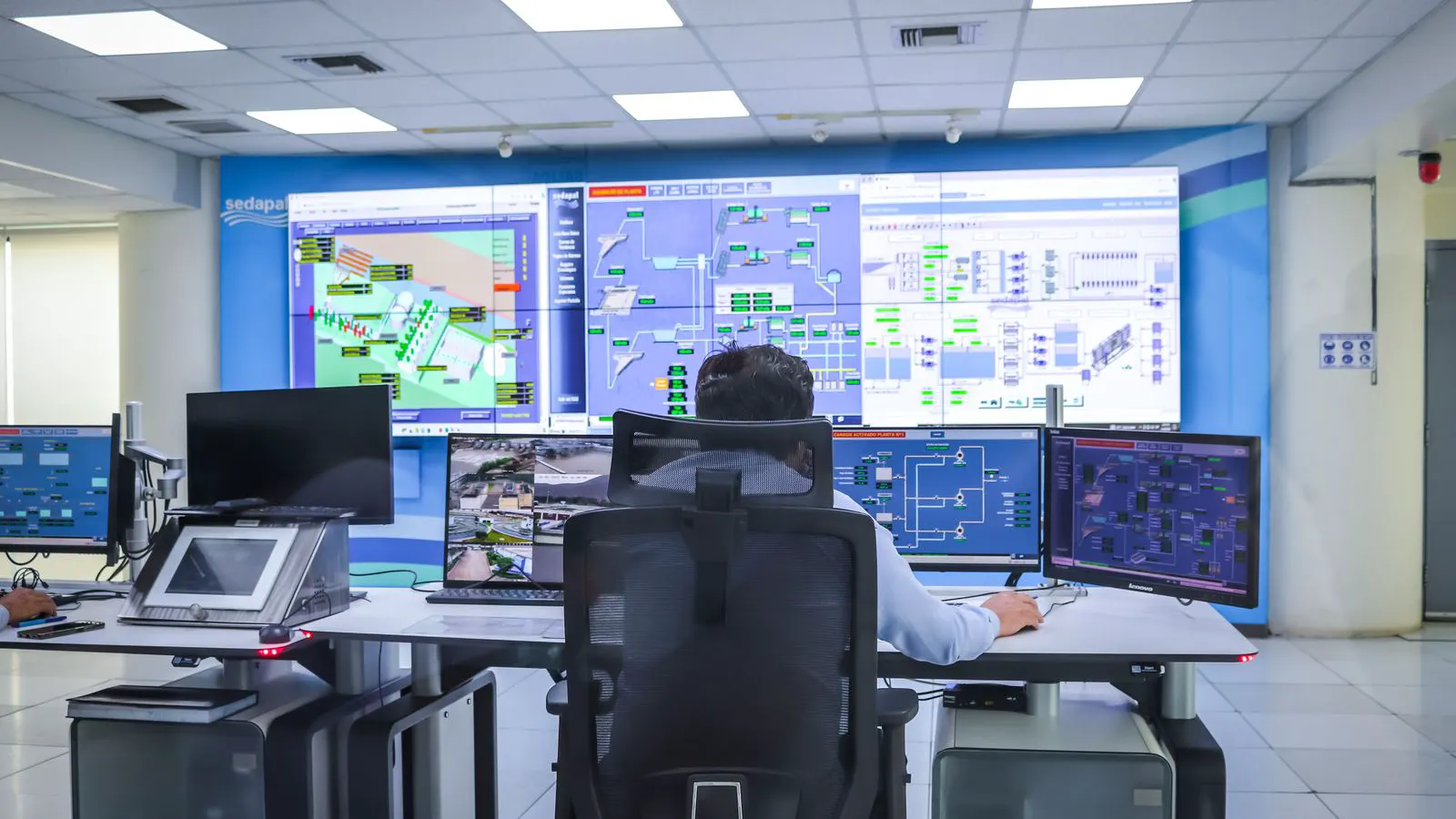
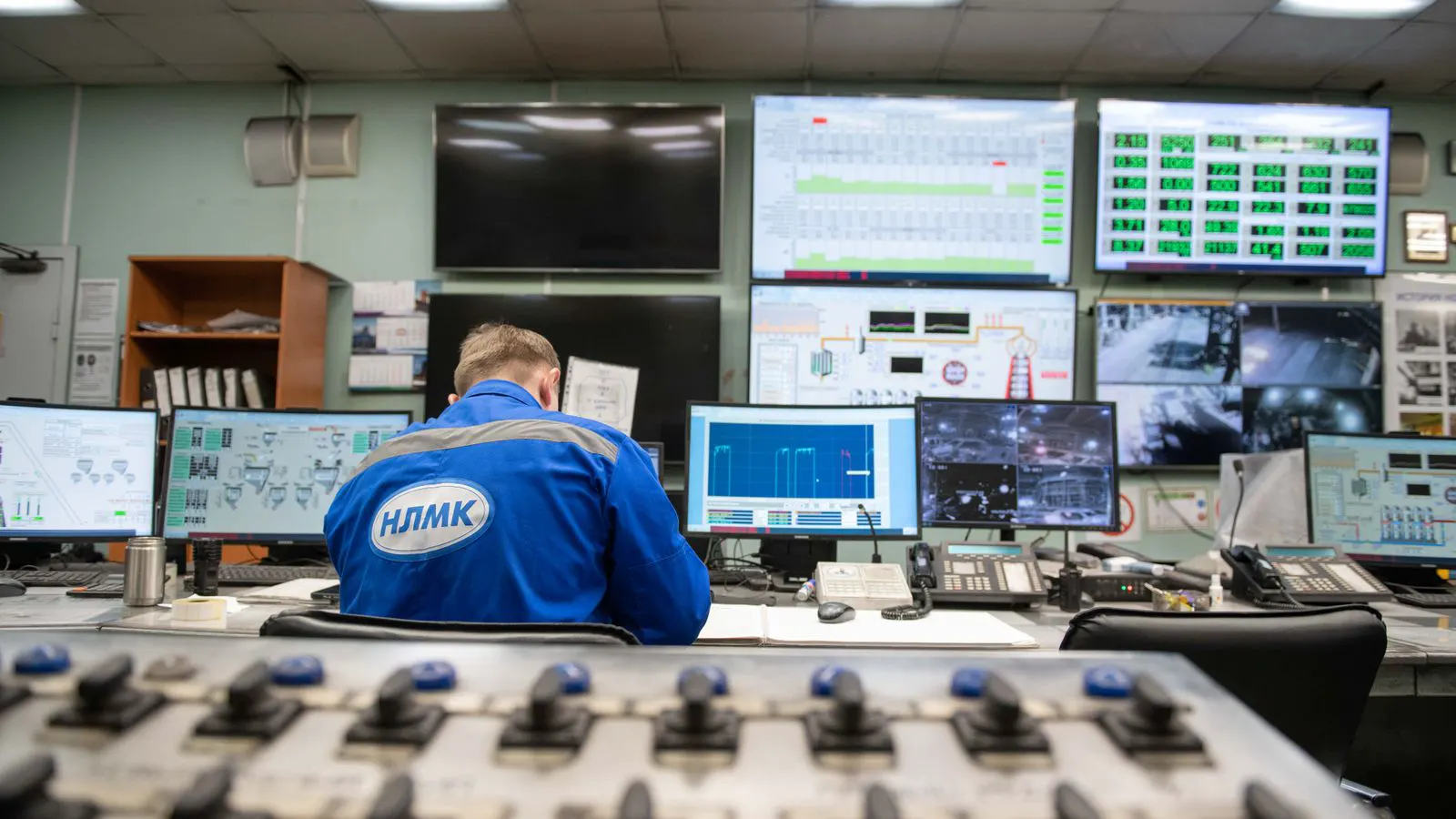
Factory monitoring tracks equipment performance, material flow, and safety in real time. SCADA systems form the core architecture, gathering data from sensors and relaying it to HMIs for visualization. Understanding this relationship helps buyers select the right infrastructure for multi-site or single-plant operations.
- Factory monitoring combines real-time data capture, trend analysis, and operator alerts to keep production running safely.
- SCADA acts as the backbone, connecting field devices to visualization tools and historical storage.
- Data visualization transforms raw signals into readable trends, making anomalies easier to spot before failure.
- Sourcing decisions depend on whether the system needs to support a single line, a full plant, or multiple sites.
Factory monitoring is the continuous observation of plant assets, processes, and outputs. It answers three questions every shift: Is the equipment running as expected? Where is material moving? And does anything require immediate operator attention? Without monitoring, maintenance teams rely on walk-downs and delayed logs. With it, they see live status, alarm history, and performance trends on a single screen.
What separates factory monitoring from basic alarm systems?
A basic alarm system tells an operator that something is wrong. It flashes a red light when a pump trips or a motor overheats. Factory monitoring goes further. It records the conditions that led to the trip. It shows how the pump behaved over the last hour, the previous shift, and the last month.
This distinction matters when sourcing systems. An alarm panel costs less and solves immediate safety issues. A monitoring platform costs more because it needs historical storage, trend analysis, and role-based access. If your plant has complex processes like chemical blending or multi-stage packaging, you need more than alarms. You need context.
Consider a hydraulic press. A basic alarm triggers when the pressure exceeds a set limit. The operator sees a red indicator and presses the reset button. They do not know if the pressure spike was caused by a blocked valve, a worn seal, or a sensor failure. The machine might trip again an hour later, or it might not. Maintenance cannot predict the next failure.
A monitoring system captures the pressure curve leading up to the trip. It might show a slow rise over forty minutes, suggesting a gradual blockage or a leaking accumulator. It might show a sharp spike, indicating a sudden mechanical strike or a control loop failure. The operator can act on the pattern. Maintenance can order the right parts before they arrive on site.
How does SCADA architecture support monitoring?
SCADA, or Supervisory Control and Data Acquisition, is the network structure that ties field devices to human interfaces. It does not just display data. It moves it.
The architecture follows a path. Sensors, PLCs, and drives sit at the field level. They measure temperature, pressure, flow, and position. A communication network, often Ethernet or proprietary industrial protocols, sends this data to the SCADA server. The server stores it, processes it, and forwards it to HMIs and workstations.
This path has clear trade-offs. A direct connection between a PLC and a local HMI is simple and fast. It works for a single machine. But when you need to monitor ten machines across two buildings, a direct connection becomes unmanageable. SCADA centralizes the data. One server holds the full picture. Operators can switch between the packaging line, the boiler room, and the cold storage bay from one console.
The server hardware is often a standard industrial PC, but the software defines the system. The software handles data tagging, historical archiving, and alarm management. It must handle thousands of data points simultaneously without lag. If the server crashes, the plant does not stop immediately, but the operators lose visibility. Redundant servers are common in critical plants, where a primary system fails over to a backup within seconds.
Network segmentation is another critical detail. Field devices often sit on a separate network from the office IT systems. This isolation prevents common office malware from reaching the control layer. Engineers use firewalls or industrial gateways to allow specific data flows, such as historical exports to a business intelligence database, without opening the entire control network.
What role does data visualization play?
Raw data is useless if operators cannot read it quickly. A temperature sensor outputting 23.4 degrees Celsius is not actionable. A visualization that shows a line trending above the red threshold, with a timestamp and the name of the affected zone, is actionable.
Data visualization turns signals into patterns. A bar chart shows output by hour. A line graph shows pressure stability across a shift. A heatmap shows which machine in a row is running hottest. For sourcing decisions, this means you must define what operators actually need to see before buying the software.
A common mistake is buying a high-end visualization tool that displays data no one checks. Start with the daily operations. What does a shift supervisor look at first? What does a maintenance planner check before dispatching a technician? Build the screens around those habits.
Think about the visual hierarchy. A shift supervisor standing on the floor needs to see the status of the entire line at a glance. Green, amber, and red indicators are standard for this level. If the line is green, they move on. If it is amber, they check the details. If it is red, they need the specific alarm message and the machine ID immediately.
Maintenance planners need a different view. They do not care about the current status. They care about trends. A graph showing motor vibration over the last three weeks helps them plan a bearing replacement before it becomes an emergency. A bar chart comparing energy use per unit produced helps them identify inefficient shifts. The software must support these different views without cluttering the operator interface.
How do field devices feed the monitoring system?
Every monitored asset needs a signal source. Temperature sensors, flow meters, proximity switches, and current transformers all serve a purpose. The choice depends on the process variable and the required accuracy.
For factory monitoring, consistency matters more than raw precision in many cases. If you are tracking energy use, a power meter with 95 percent accuracy may be sufficient. If you are controlling a chemical mix, you need tighter tolerances and faster response times.
Integration is the hidden challenge. Older machines may run on proprietary protocols. Newer assets may speak standard Ethernet. The SCADA system must translate between them. When evaluating vendors, ask about their protocol support matrix. Do not assume a system will read every device on your plant floor. Confirm compatibility with your specific PLC models and meter types before signing a contract.
Physical installation is often overlooked. A temperature sensor mounted on the outside of a steam pipe reads the ambient air, not the pipe contents. A flow meter placed downstream of a leaky joint gives a lower reading than the upstream meter. The data is only as good as the sensor placement. Engineers must walk the floor and verify that the signal sources actually measure the variable of interest.
Cabling is another practical issue. Long runs of field wiring can introduce noise, especially in plants with large motors and variable frequency drives. Shielded cables and proper grounding reduce this noise. If the signal is noisy, the SCADA system may show erratic spikes that trigger false alarms. False alarms train operators to ignore the system. The first step in fixing a noisy signal is often a physical wiring audit, not a software update.
A worked example: monitoring a packaging line
Consider a factory that bottles beverages. The line has a filler, a capper, a conveyor, and a metal detector. Without monitoring, an operator notices a capper jam by seeing bottles pile up. The line stops. The operator clears the jam. The cause is unknown.
With factory monitoring, the SCADA system captures the speed of the capper motor, the torque reading on the cap drive, and the count of bottles passing the sensor. The HMI displays a trend of capper speed over the last hour. The operator sees a gradual drop in speed before the jam. The alert logs show a repeated torque spike. Maintenance reviews the data and finds a worn gear. They replace it. The next jam does not happen.
This example shows the value of monitoring. The system did not stop the jam. It prevented a repeat failure by revealing a pattern. The cost of the sensor and the SCADA tag is small compared to the downtime from an unaddressed mechanical issue.
The data also helps with quality control. The metal detector rejects bottles with metal fragments. The SCADA system logs the reject rate. If the reject rate spikes, it might indicate a problem upstream, such as a worn blade on a labeler or a damaged bottle. The operator can check the specific station associated with the spike. Without this correlation, the rejects are just waste. With it, they are a diagnostic clue.
How does multi-site monitoring change the requirements?
A single plant can run on a local server and a few HMIs. A multi-site operation needs more. The architecture must handle latency, bandwidth, and data volume.
At multiple sites, you need a central view. A corporate dashboard shows production status across all locations. A site dashboard shows detailed equipment data. The SCADA system must support this hierarchy without overloading the network.
Sourcing decisions shift here. You may need a cloud-based visualization layer for the central view, with on-premise servers for real-time control. Or you may choose a single vendor that handles both. The key question is data ownership. Who holds the historical records? Can they be exported? If you plan to sell the plant or change vendors in five years, data portability should be a priority.
Bandwidth is a practical constraint. Sending real-time data from every site to a central server can saturate the network, especially if the sites are connected by leased lines rather than high-speed broadband. A common solution is to aggregate data locally. The local server sends a summary, such as hourly averages and alarm logs, to the central server. The central server only requests detailed data when a specific site is under investigation.
Network latency also affects control loops. If a control loop depends on data sent from a remote site, a delay of even a few milliseconds can cause instability. For that reason, real-time control usually stays local to the site. Monitoring and reporting can be delayed. Control cannot.
Common pitfalls in factory monitoring projects
The most common mistake is treating monitoring as an afterthought. Teams install the machinery, then add monitoring to satisfy a compliance requirement. The result is a system that captures data but serves no operational purpose.
Another mistake is over-configuration. Adding hundreds of tags that nobody reads creates noise. Operators ignore alerts when they are overwhelmed. A good rule is to start with a small set of critical parameters. Expand the screen only when the team is comfortable with the existing data.
Finally, ignore the human factor. A dashboard that requires three clicks to show a critical alarm will not be used during an emergency. Design the interface for the operator who is standing on the floor, wearing gloves, and trying to find the problem quickly. Keep the most urgent data visible without extra navigation.
There is also the risk of alarm fatigue. If every minor variation triggers an alarm, the operator tunes them out. The system should only alert on conditions that require action. Engineering teams must spend time tuning alarm thresholds. This work takes longer than the software installation, but it determines whether the system is useful or just a nuisance.
How do you know if your current setup is enough?
Run a simple test. Pick one shift and one production line. Watch the HMI screens. Note what the operator checks. Note what they ignore. Ask the maintenance team what data they wish they had.
If the operator spends most of the time looking at a paper logbook, your digital system is underused. If the maintenance team cannot see the last three shifts of motor current, you are missing a diagnostic window. If the central office cannot see a production stoppage until an email arrives, your multi-site architecture is too slow.
Factory monitoring is not a one-time purchase. It is an ongoing improvement cycle. Start with the basics. Add visualization where it helps decisions. Scale the SCADA architecture as your plant grows. The goal is not to display every possible number. The goal is to give the right person the right information at the right moment.
Frequently asked questions
Is factory monitoring the same as SCADA?
No. Factory monitoring is the practice of observing plant performance. SCADA is the technology architecture that enables it. You can use other systems for monitoring, but SCADA is the most common backbone for industrial environments.
Do I need SCADA for a small plant with one machine?
Probably not. A local HMI connected directly to a PLC can handle monitoring for a single machine. SCADA becomes necessary when you need to combine multiple machines, buildings, or sites into one view.
How much data storage do I need for factory monitoring?
It depends on your retention requirements and the number of monitored points. Daily operations may only need a few weeks of trend data. Predictive maintenance and regulatory compliance may require months or years. Plan storage based on your longest required retention period.
Can factory monitoring help with energy management?
Yes. By monitoring power consumption per machine or process, you can identify inefficiencies. Visualization tools can show energy use by hour or by product batch, revealing which operations are the most costly.
What is the difference between real-time monitoring and historical analysis?
Real-time monitoring shows what is happening now, such as current pressure or active alarms. Historical analysis looks at past data to find trends, such as a slow decline in motor efficiency over six months. Both are valuable, but they serve different user roles.