Comparison: Capital Expenditure vs Operating Expenditure
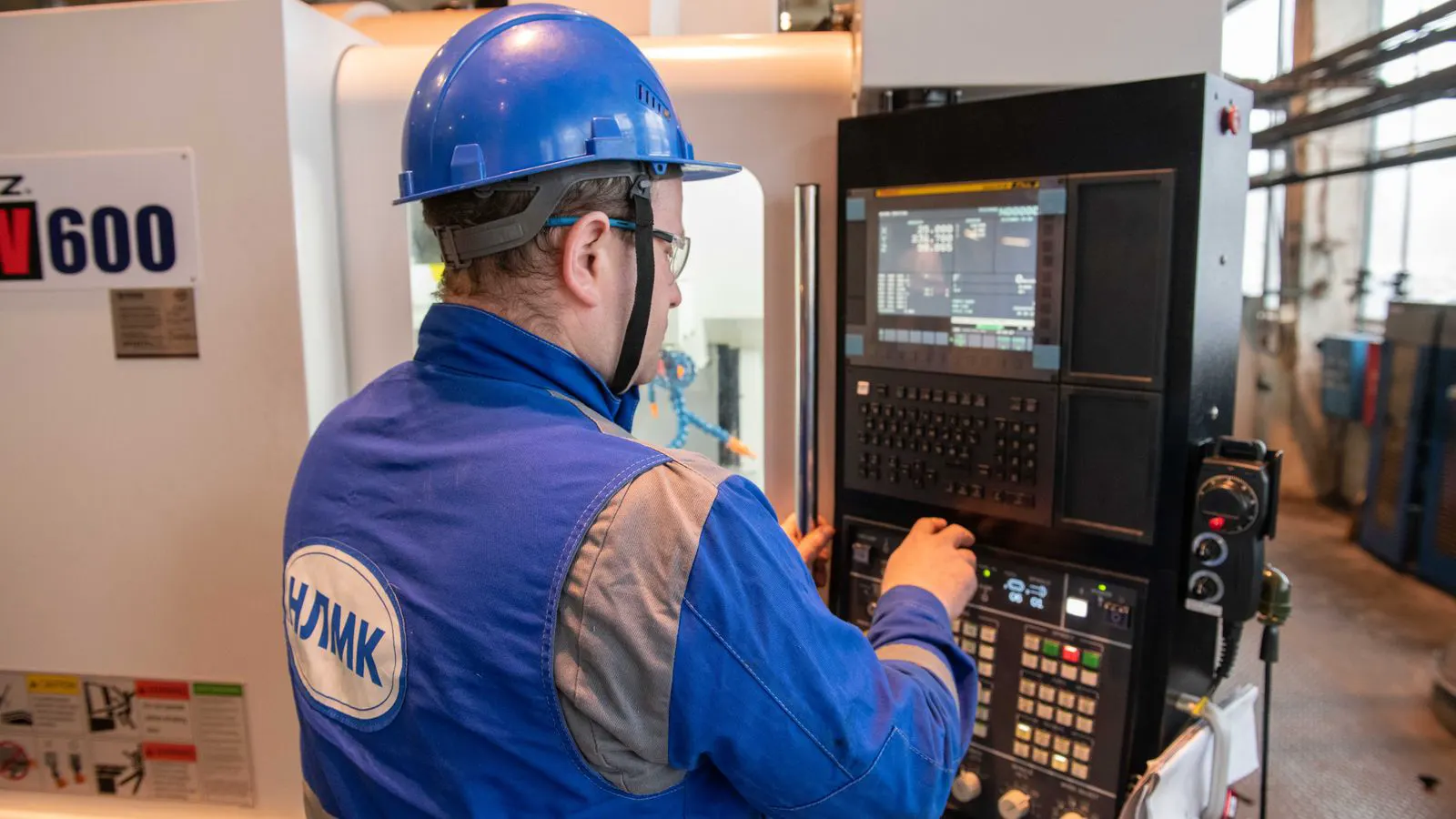
A clear automation budget requires separating one-time hardware costs from recurring maintenance and labor expenses. Understanding the difference between CapEx and OpEx helps you structure financing, meet accounting rules, and calculate a realistic return on investment for factory automation projects.
- CapEx covers one-time costs like machines and software licenses, while OpEx covers recurring costs like maintenance and energy.
- Shifting recurring labor or energy costs into OpEx can improve the projected payback period of a project.
- Finance teams often require a clear separation of these categories before approving a new automation budget.
- Misclassifying a major software subscription as a one-time cost can distort your total cost of ownership analysis.
Factory automation projects rarely fail because the technology is too difficult. They fail because the budget was built on the wrong assumptions. When you split your spending into two buckets, capital expenditure and operating expenditure, the financial picture becomes much clearer.
The distinction matters for two reasons. First, it determines how you finance the project. Lenders and internal capital committees look at these two categories very differently. Second, it changes how you calculate your return on investment. If you treat recurring maintenance as a one-time cost, your payback period will look shorter than it really is.
What falls under CapEx?
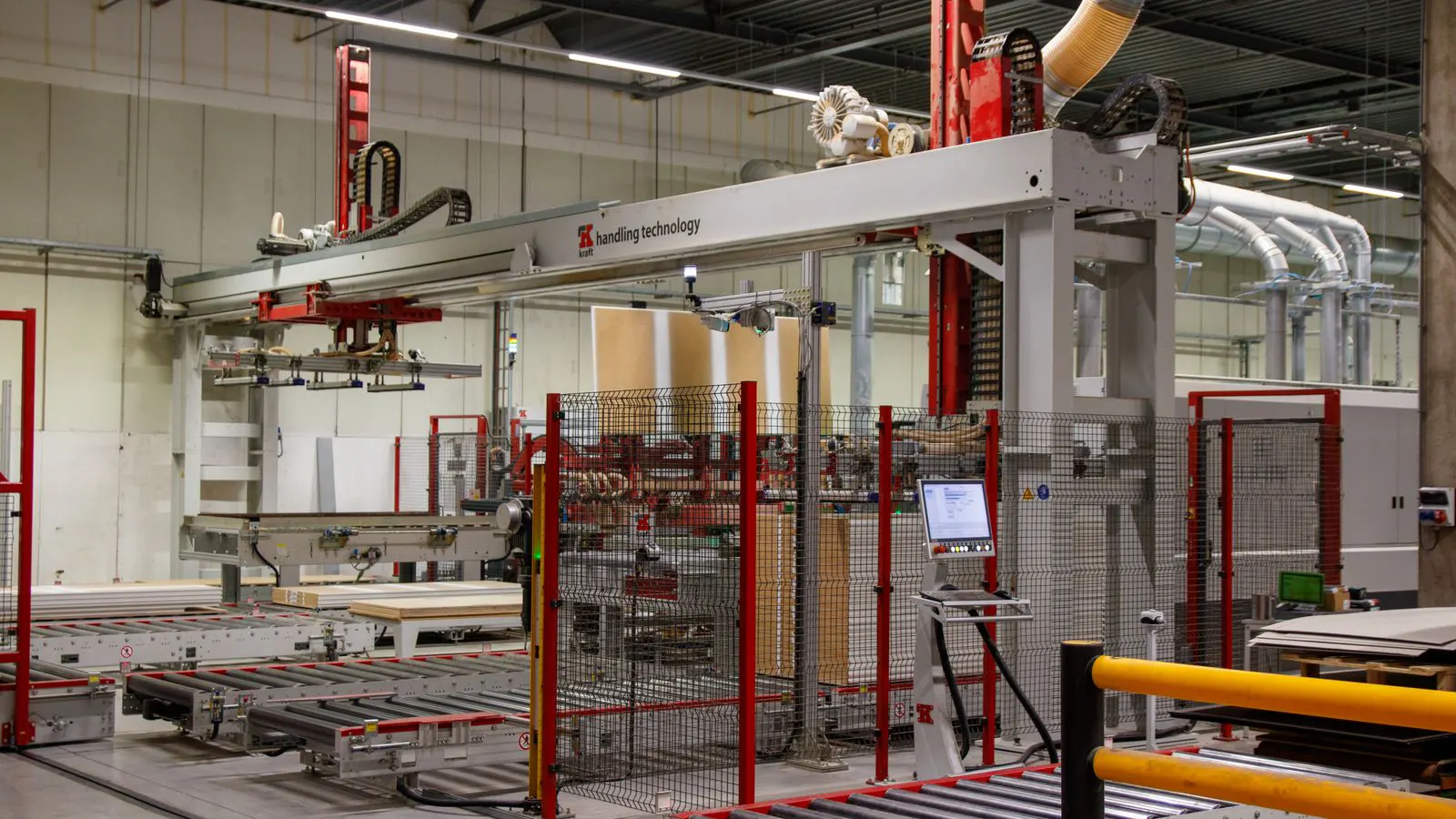
Capital expenditure, or CapEx, covers the assets that sit on your balance sheet. These are the physical items and software licenses you buy once to start the process. In a factory setting, this usually includes the main hardware and the integration work that connects it to your network.
Typical CapEx items include:
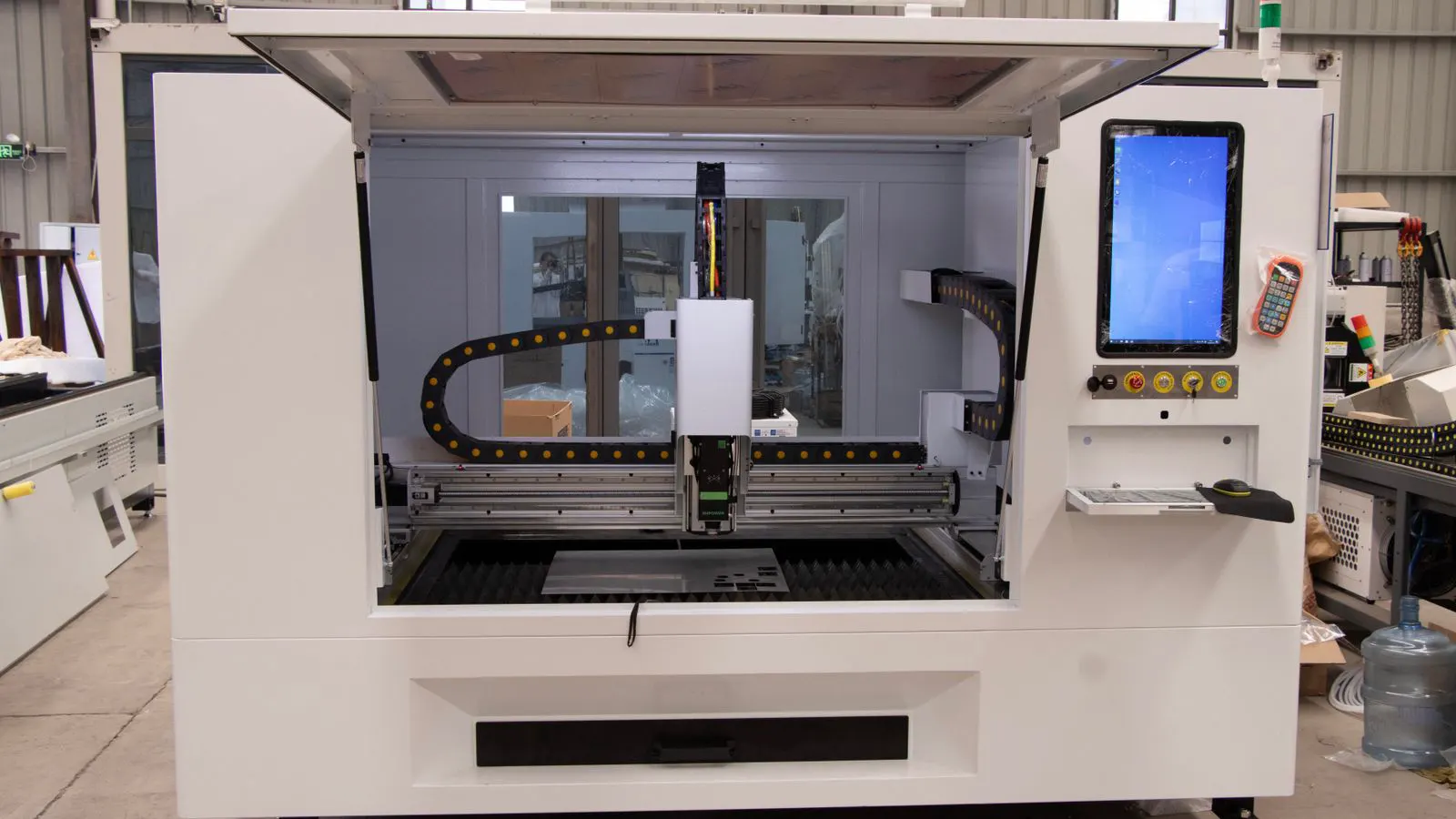
- Robots, conveyors, or automated guided vehicles.
- Industrial controllers, PLCs, and HMIs.
- Software licenses for SCADA, MES, or vision systems.
- Electrical work, such as new switchgear or conduit.
- Installation, commissioning, and training for the initial setup.
These costs are front-loaded. You pay them before the system can produce anything. For a finance team, these are the line items that require a capital approval. They are also the items that will be depreciated over time.
What falls under OpEx?
Operating expenditure, or OpEx, covers the costs that repeat every month or every year. These are the expenses required to keep the machine running and the software updated. They do not create a new asset. They consume existing assets.
In a factory automation context, OpEx usually includes:
- Annual maintenance contracts and spare parts.
- Energy consumption for the new equipment.
- Software subscription fees for cloud-based analytics or updates.
- Labor hours for supervision and data review.
- Training refreshers for new operators.
These costs start slowly and stay steady. They are often underestimated during the design phase. Many engineers focus on the sticker price of the robot arm but forget the annual cost of the end-effector replacement or the energy bill for the drive.
Comparison of CapEx and OpEx structures
The table below shows how different project types are usually classified. This helps you spot where your automation budget might be misaligned with your accounting rules.
| Option | Best for | Limitations |
|---|---|---|
| High CapEx, Low OpEx | Large capital projects like full line replacements | High upfront cash flow requirement; difficult to scale down if demand drops |
| Low CapEx, High OpEx | Pilot projects, cloud software, or leasing hardware | Long-term costs can exceed the purchase price; harder to prove ROI |
| Balanced approach | Most standard automation projects | Requires careful tracking to keep OpEx within the projected range |
| CapEx heavy on software | Projects relying on IP or data ownership | High initial cost; risk of vendor lock-in for updates |
How financing decisions change
Your choice of financing depends heavily on where you park your costs. If a project is CapEx heavy, you will likely look for a term loan or a capital lease. The bank wants to see the asset value. They will look at the depreciation schedule to ensure the asset will still have value when the loan is paid off.
If a project is OpEx heavy, you might use operating capital or a service contract. The argument here is different. You are not buying an asset; you are buying a service. The finance team will look at the cash flow impact. They want to know if the monthly service fee fits within your normal operating budget.
A hybrid model is common in modern automation. You might buy the physical cells as CapEx but use a subscription model for the data analytics platform. This creates a split budget. The CapEx side secures the hardware, while the OpEx side allows you to test the software before committing to a full license. This flexibility can make the automation budget easier to approve.
How ROI calculation is affected
The most common mistake in estimating the true ROI of a factory automation project is treating OpEx as a one-time cost. If you include annual maintenance in the CapEx number, your initial investment looks higher, and your payback period looks longer. However, if you exclude it, you are ignoring a cost that will hit your P&L every month.
To get an accurate number, you must look at the total cost of ownership over a specific period, usually five to ten years. You add the initial CapEx to the projected OpEx for that same period. Then you compare that total against the savings.
Consider a simple example. You buy a vision inspection system. The hardware and installation cost a specific amount. That is your CapEx. The annual cost includes the software subscription, the power usage, and the time for an engineer to review false positives. That is your OpEx. If you only look at the hardware cost, you might think the system pays for itself in eighteen months. When you add the recurring OpEx, the payback might stretch to twenty-four months. Both numbers are true, but only the second one reflects the reality of running the factory.
Practical steps for building your budget
To avoid the issue where your automation budget keeps going over, you need a disciplined way to categorize every line item.
- List every component of the project. Do not skip the small stuff like network switches or cable trays.
- Check if the item is a one-time purchase or a recurring fee.
- Assign each item to CapEx or OpEx based on its nature, not its size.
- Estimate the OpEx for at least three years. Do not rely on the vendor quote for the first year only.
- Review the split with your finance team early. If the CapEx is too high, look for ways to lease some hardware or delay non-critical software.
This approach gives you a defensible document. When you present the automation budget to leadership, they can see exactly where the cash is going and when it comes back.
When to pick each structure
You do not always have a choice. The nature of the technology dictates the split. A physical machine is CapEx. A cloud service is OpEx. However, you can influence the split through contract structure.
If you need to protect your balance sheet, you might shift some CapEx into OpEx by using a leasing model. This lowers the initial cash outlay but increases the long-term OpEx. This is useful when cash flow is tight in the short term but strong in the long term.
If you want to maximize the asset value for a sale or a financing round, you should keep the major hardware as CapEx. You want the asset on the books. You also want to depreciate it to reduce taxable income. In this case, you might pay for the maintenance as a separate service, keeping the OpEx lower and the CapEx higher.
There is no single “correct” split. The right choice depends on your cash position, your accounting rules, and your long-term strategy for the factory.
Common mistakes to avoid
The most frequent error is misclassifying a major software subscription as a one-time cost. If you buy a five-year license upfront, it may feel like a CapEx item. However, if the vendor allows you to pay annually, it is an OpEx item. The accounting treatment changes based on the payment terms, not just the nature of the product.
Another mistake is forgetting the labor shift. Automation often changes the job of the operator. You may need to retrain staff or hire new technicians. This is an OpEx item. It is also a hidden risk. If the new role is harder to fill than the old one, your OpEx will rise.
Finally, do not ignore the energy cost. A new conveyor line may use significantly more power than the manual process it replaces. This is a pure OpEx cost that scales with production volume. It can easily offset the labor savings if you are not careful.
Final thoughts
The difference between CapEx and OpEx is not just an accounting technicality. It is a tool for decision making. By separating these two categories, you can build an automation budget that is realistic, financeable, and aligned with your operational goals.
Start with the hardware. Identify the assets you own. Then look at the services you pay for. Keep them in separate columns. Review the split with your finance team. And when you calculate your ROI, use the total cost of ownership, not just the purchase price. That is how you build a project that actually pays for itself.
Frequently asked questions
Can I convert a CapEx item into an OpEx item?
Yes, by using a leasing or service contract. This changes the accounting treatment and shifts the cost from a one-time purchase to a recurring fee.
How does the split affect my loan approval?
Lenders prefer to see a clear CapEx structure for large hardware projects because it allows them to collateralize the asset. High OpEx projects may require a different approval process based on cash flow.
What if I am unsure if a cost is CapEx or OpEx?
Check your company's accounting policy. Generally, if it creates a new asset, it is CapEx. If it maintains an existing asset or provides a service, it is OpEx. When in doubt, ask your finance team.
Does software always count as CapEx?
No. Perpetual licenses are often CapEx, while subscription-based software or cloud services are usually OpEx. The payment model determines the classification.
How long should I project OpEx for?
Project OpEx for at least the same period as your ROI analysis, typically five to ten years. This ensures you capture the long-term maintenance and energy costs that affect the payback period.